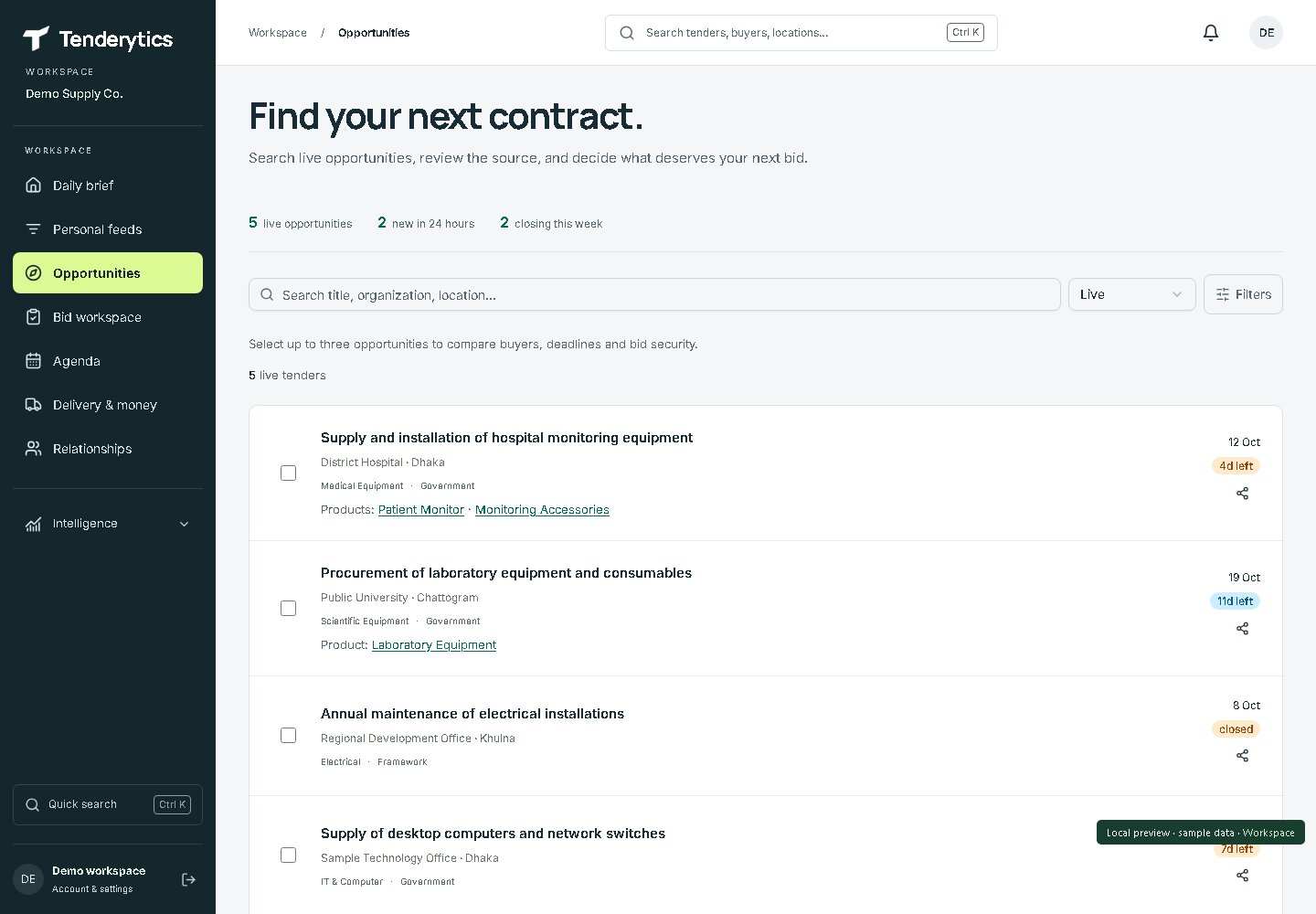
Filter available notices by sector, buyer and location, then compare the title, dates and procurement details. Your selected interests also shape your personal feed. A result is a starting point for review, not confirmation that you qualify.
The real tender feed, populated with fictional records. Availability varies by source and sector. Open full-size image02 · Decide
Separate what is known from what needs checking.
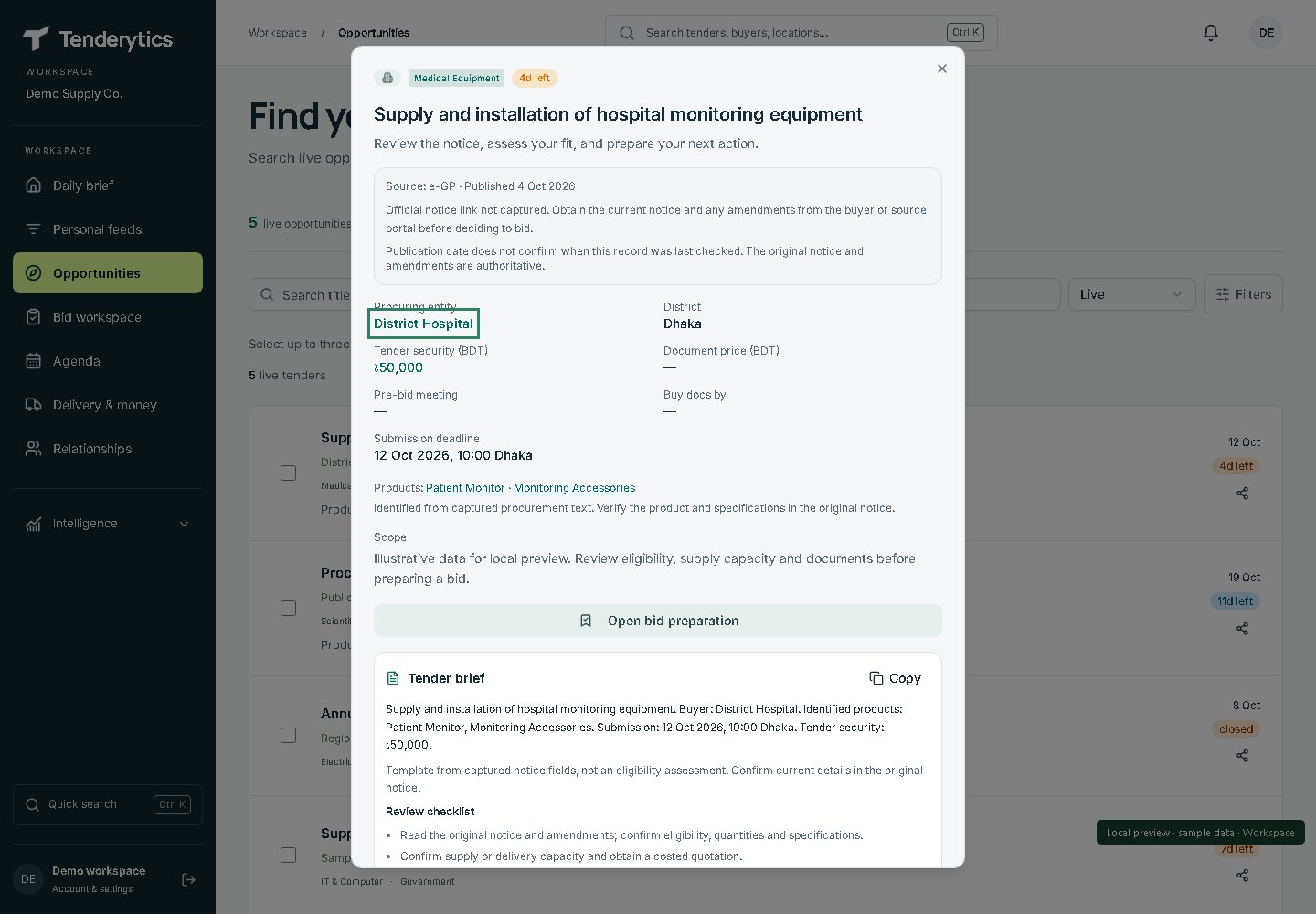
Open a notice to review its details and available buyer or award context. Missing history stays missing: a lack of records does not mean no competitors, and a past contract value is not a price for the current scope. The buyer’s documents and amendments remain authoritative.
A sample notice in the actual interface. The example has no linked official notice and no matched award history; neither is invented for the tour. Open full-size imageLabelled sample · not a live tender
Sample intelligence & preparation brief
This annotated example follows the tender details, brief and preparation fields in the app. It shows what a team can establish and what remains unverified before deciding to bid.
Opportunity
Supply and installation of hospital monitoring equipment — District Hospital (fictional buyer), Medical Equipment, Dhaka.
Dates
Published 4 October 2026; example closing time 12 October 2026, 10:00 Bangladesh time. Document-purchase and pre-bid meeting dates are not supplied.
Source & freshness
Demo fixture only. No official notice URL or last-source-check timestamp is provided. Do not use these dates to prepare or submit a bid.
Buyer history
No matched award history in this example. Past suppliers, contract values and history period are unavailable.
Eligibility
Not verified. Read the official qualification criteria, required experience, financial requirements, product specifications and amendments.
Competition
Unknown. Historical suppliers, where available, are not the current bidder list and do not establish a probability of winning.
Budget & security
Buyer’s estimate unavailable. Illustrative tender security: ৳50,000. Confirm the required amount, form and validity in the official documents.
Decision
Review needed. Confirm eligibility and a like-for-like supplier quotation before committing preparation time.
Next actions
Find and verify the original notice, documents and amendments.
Check required experience, supply capacity, delivery scope and payment terms.
Cost the actual quantities with a supplier quotation; do not substitute historical contract totals for unit prices.
Record a bid/no-bid decision and give the next action a date.
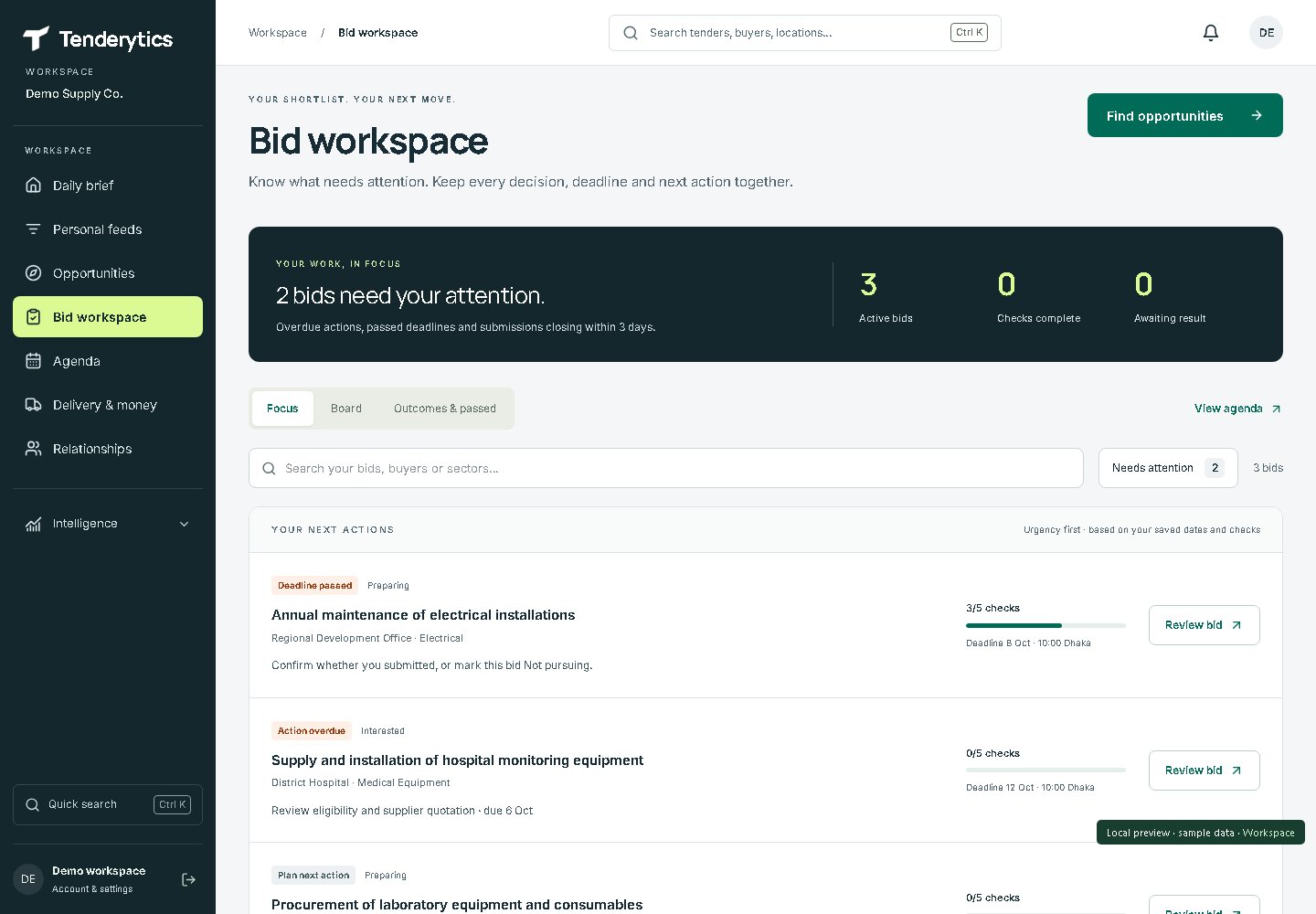
Save an opportunity to your bids. Record readiness checks, your bid/no-bid reasoning and a dated next action. Move it through preparation and submission as your team progresses. Tenderytics does not submit the tender for you.
The bid tracker with sample records. Checklist completion is your team’s record, not an eligibility certification. Open full-size image04 · After the decision
Keep delivery and relationships in reach.
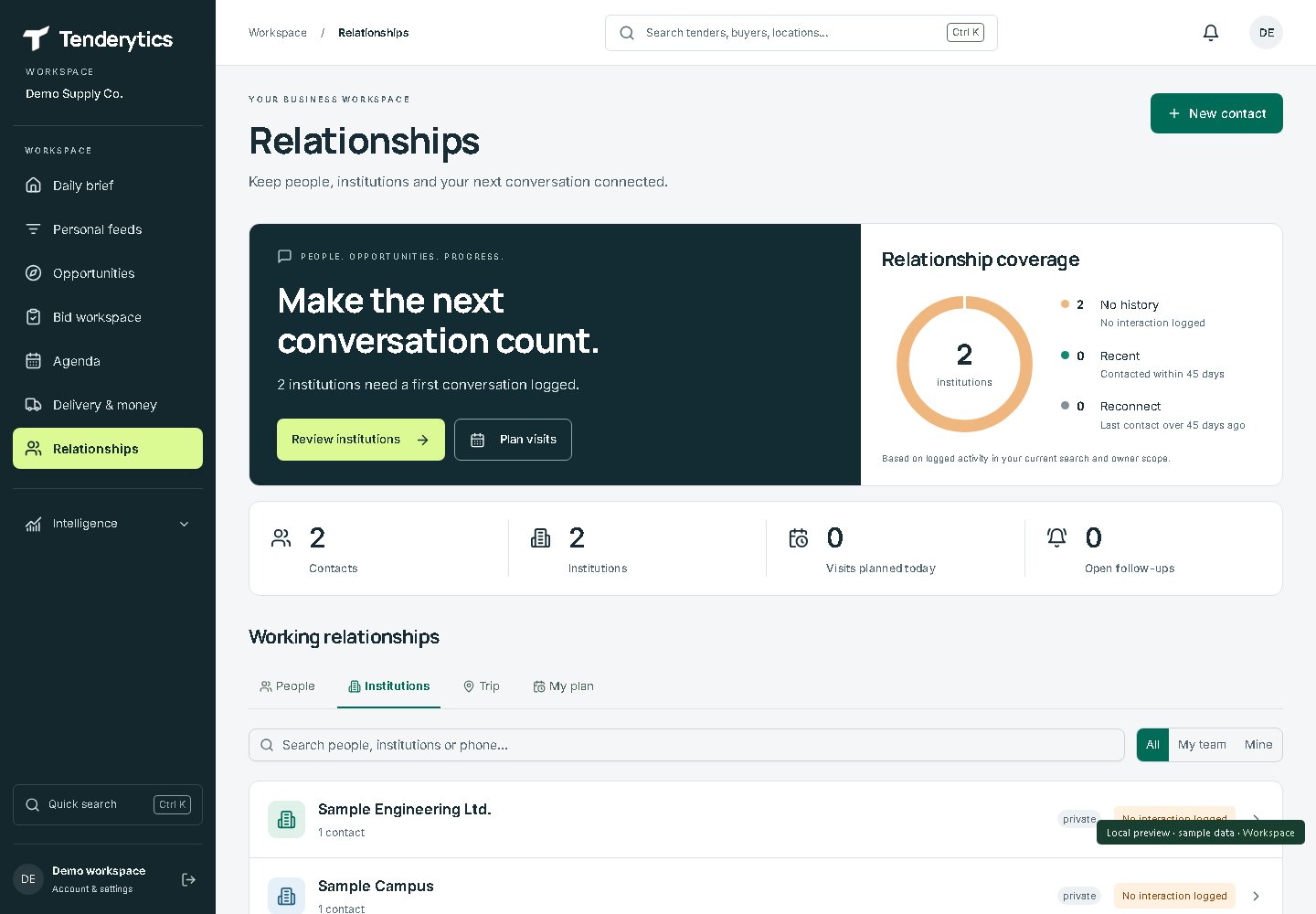
Customer contacts, follow-ups, project milestones and receivables are included for the work that follows. Start with the tender workflow, then use these tools when your team needs them.
A fictional customer workspace. No customer contact information is published. Open full-size imageAlso included: delivery and money tracking
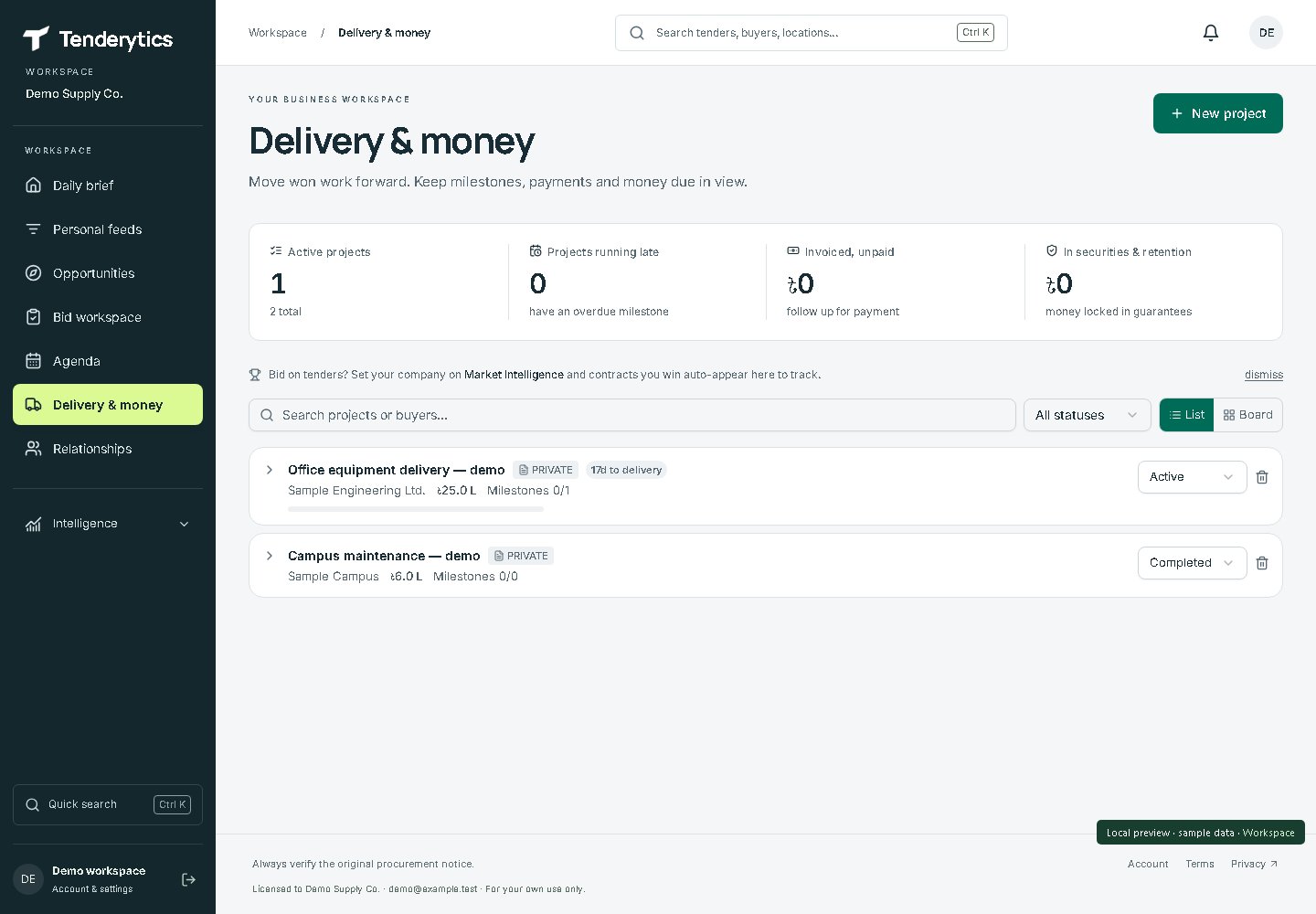
Track delivery milestones and invoice, payment, security and retention records. This demo has no invoices or payments recorded, so its money totals are zero.
The actual delivery view with fictional projects. Zero balances reflect this demo, not a customer outcome. Open full-size image
Request a seven-day trial, starting after account approval. Check a relevant opportunity, verify the source and save your first preparation action. No card or automatic charges.